
...
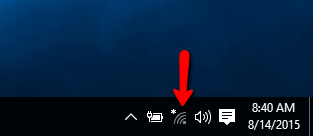
Click on the network icon in the system tray.

Step 2
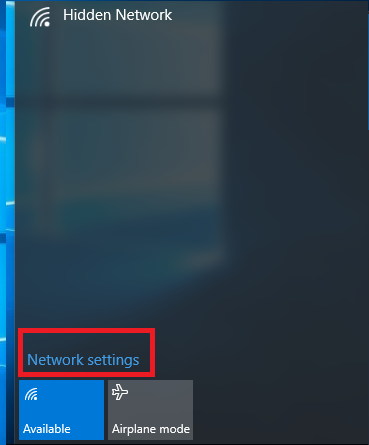
Select uwf-argo-air from the list and ensure connect automatically is checked.

Step 3
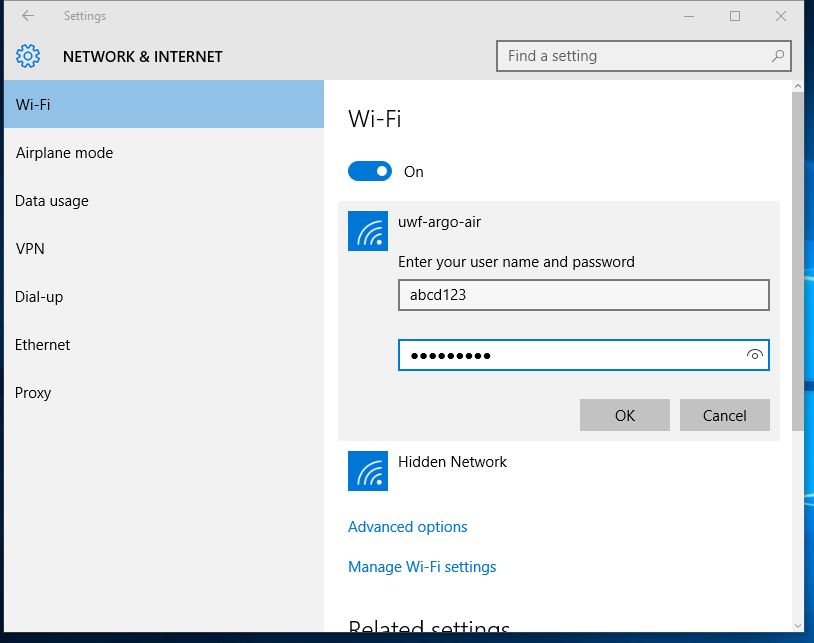
Enter your UWF username and password in the fields and click OK.

Step 4
Click connect and you should now be connected.

| Include Page | ||||
|---|---|---|---|---|
|