Follow the instructions below to connect your Windows 10 device to ArgoAir. |
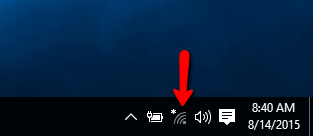
Click on the network icon in the system tray.
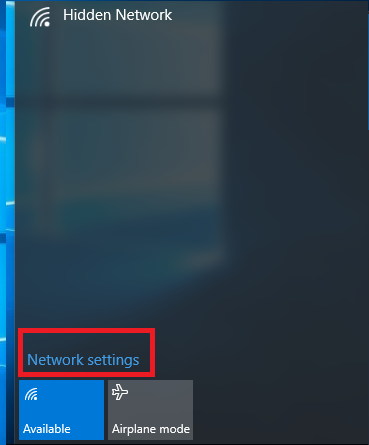
Select uwf-argo-air from the list and ensure connect automatically is checked.
Enter your UWF username and password in the fields and click OK.
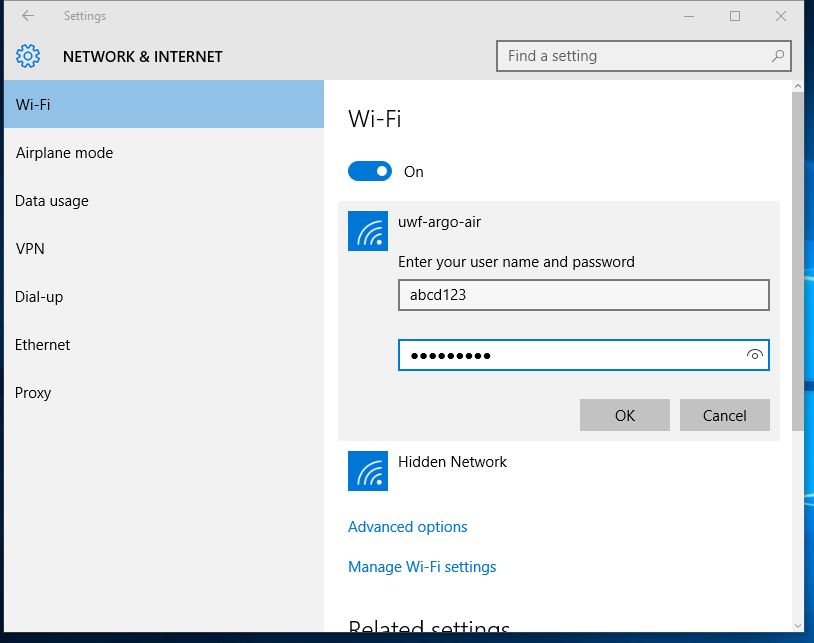
Click connect and you should now be connected.
