
Instructions
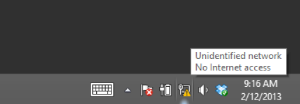
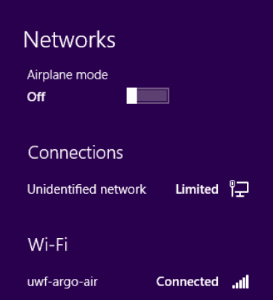
- Click on the network icon in the system tray.
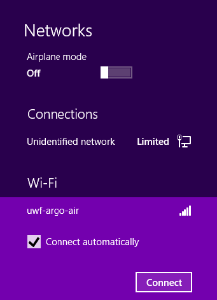
- Select uwf-argo-air from the list.

Ensure connect automatically is checked, then click connect.
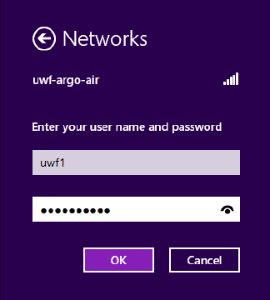
- Enter your UWF username and password in the fields.
Click connect.
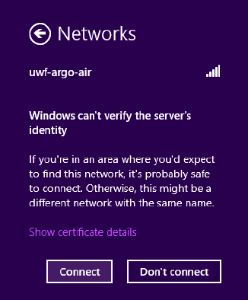
- You should now be connected.
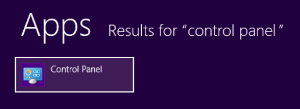
- If you have any issues, press the Windows key and search for “control panel.”
Related articles
...
| Info |
|---|
If you have questions, please contact the ITS Help Desk at (850) 474-2075 or helpdesk@uwf.edu. |