You are viewing an old version of this page. View the current version.
Compare with Current
View Page History
« Previous
Version 33
Next »
If you found a Zoom Phone calling card in your office, find the picture below that best matches your situation.
I have BOTH an old phone and a new Zoom phone. | My old phone is gone. |
|---|
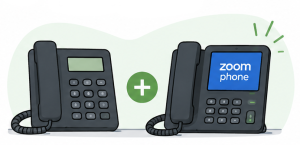
What should I do?Until July 16 - Continue using your old phone
- Feel free to explore the new phone’s features
Starting July 16 - Begin using your new Zoom phone!
- Disconnect your old phone and leave it on your desk for collection
| 
What should I do?- Sign in to the Zoom app on your computer if you have not already done so
- Beginning July 16, use Zoom Phone from your computer or mobile device
- If you were expecting a desk phone, contact your department's Zoom Phone Department POC (Point of Contact)
|
I only have a new Zoom phone. | I don't see my situation listed. |
|---|
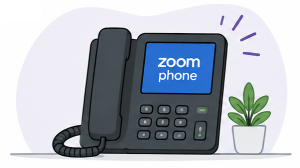
What should I do? - Complete remaining Zoom Phone setup tasks such as setting up your voicemail
- Familiarize yourself with your new phone
- Begin using it on July 16
We likely completed your setup while you were away from your office, or we were given permission to remove your old phone early. | 
If others in your area received calling cards and you did not, one of these is probably true: If you currently use a Siemens or Cisco phone, there’s still a good chance we’ll be visiting your area on cutover day. |
Helpful Links
