
...
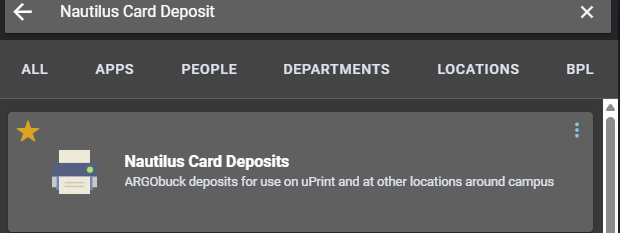
Log in to your MyUWF and search Nautilus Card Deposit at the top search bar:
Step 2
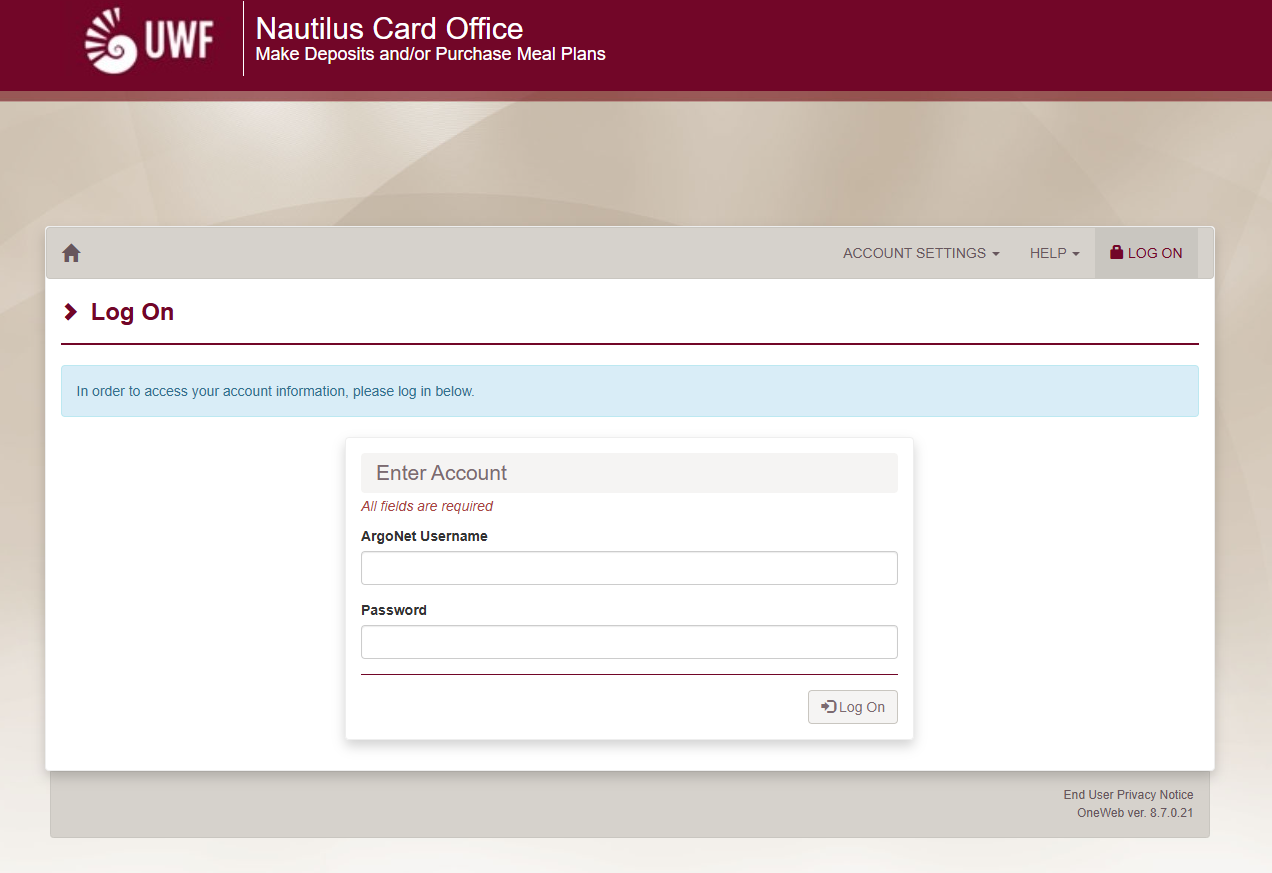
This app will take you to the OneCard/Nautilus Card log in page. Please log in again with your Argonaut credentials.
Step 3
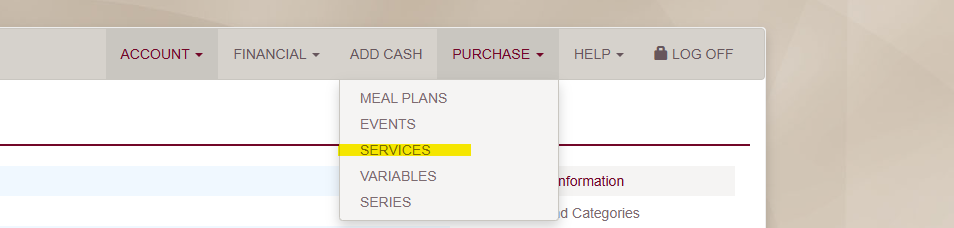
After logging in, go to the PURCHASE tab and select Services:
Step 4
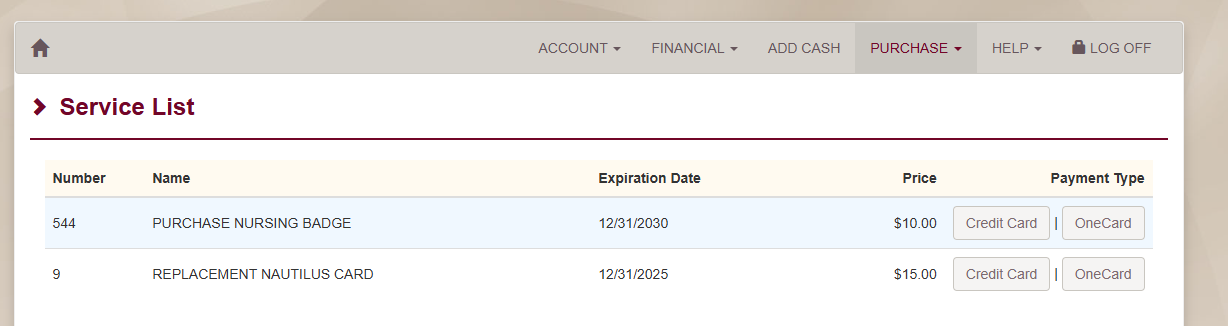
You will then select how you would like to pay for your Nursing Badge. If you have ARGObucks or funds on your general account of at least $10 you will be able to pay with the OneCard payment option.
If you would like to pay with a debit/credit card or an electronic check please select the Credit Card payment option:
Important!
If you are distant a distance learning student trying to receive your Nursing Badge you will need to complete the Nursing Badge Request Form. All For all other students after payment is made , please stop by the Nautilus Card Office in
building 20 W to have your picture taken . Depending on your after making your payment. Your program will determine when you receive your badge, for example incoming BSN or DEMSN students receive their badges at their Nursing Orientation.
FNP/MSN Students students will receive their badges the same day. immediately. Please bring a government issued picture ID (driver's license, passport, identification card, etc.) to have your badge made. The Nautilus Card Office is unable to make your badge without it.
FAQs
| Expand | ||
|---|---|---|
| ||
Enter answer here |