
...
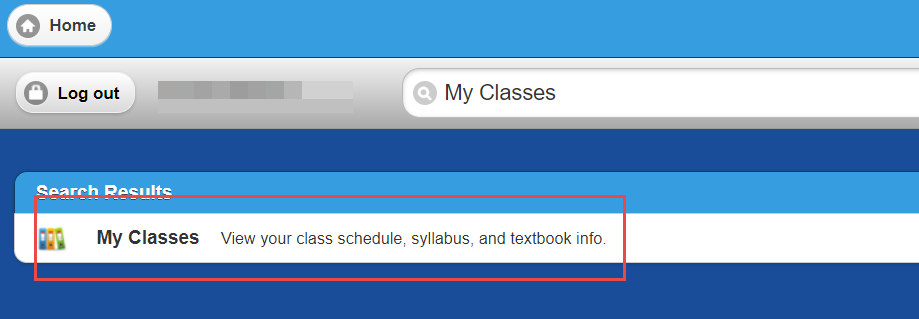
Navigate to MyUWF and search for My Classes
Step 2
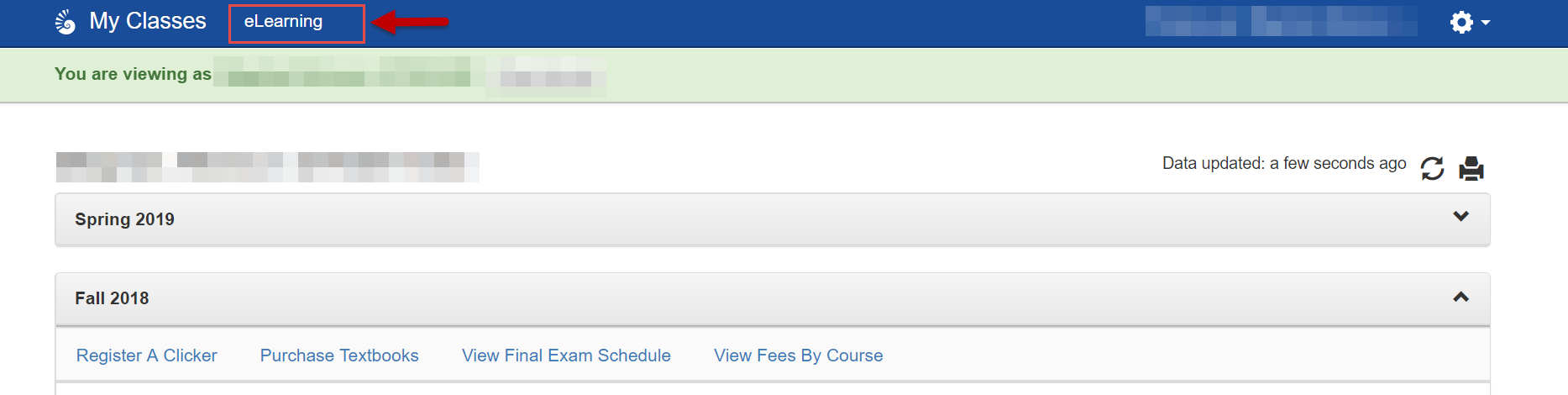
In the top blue banner there is a link to access eLearning - click on that link
Step 3
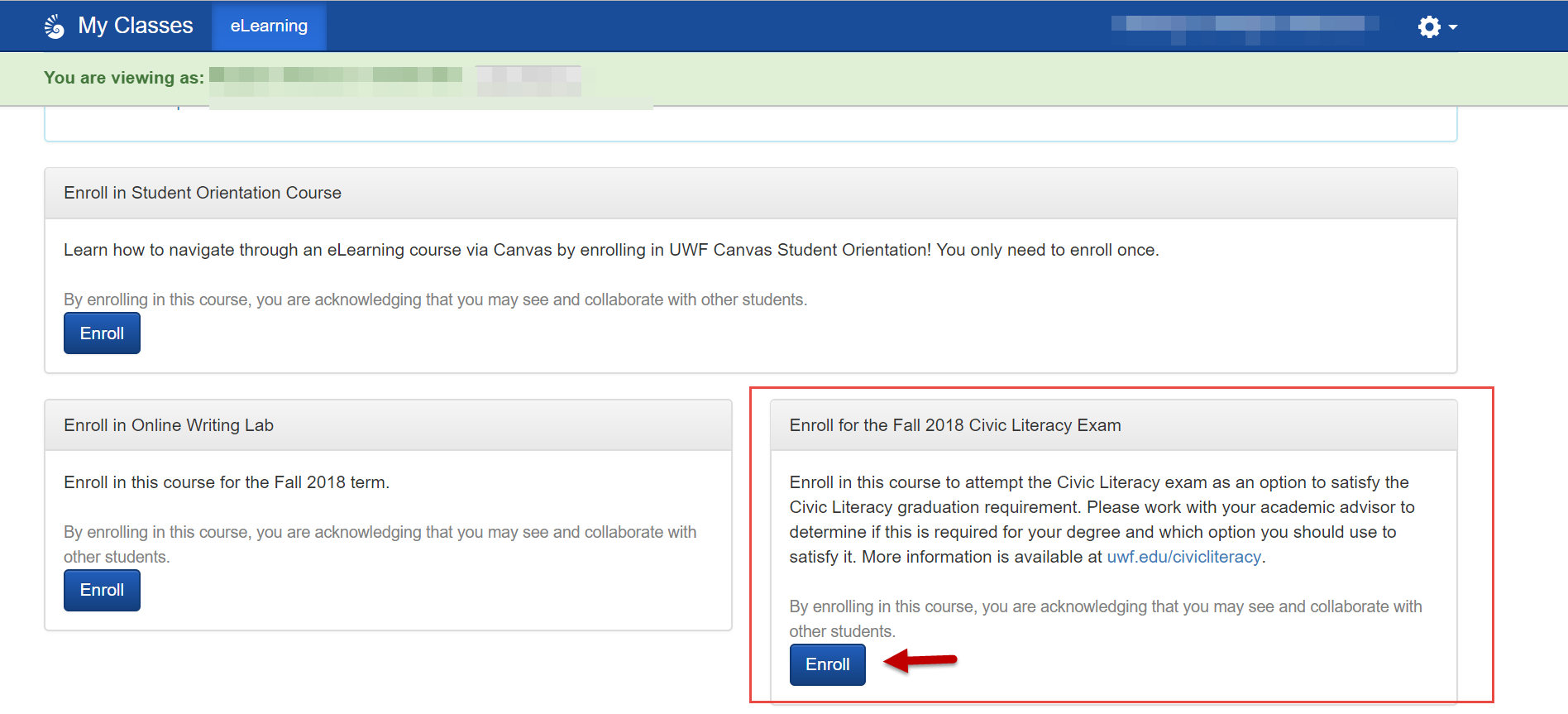
Enroll in the Civic Literacy Exam by clicking the Enroll button - the exam is semester specific - if you wish to attempt the exam in multiple semesters you will have to sign up each time.
Step 4
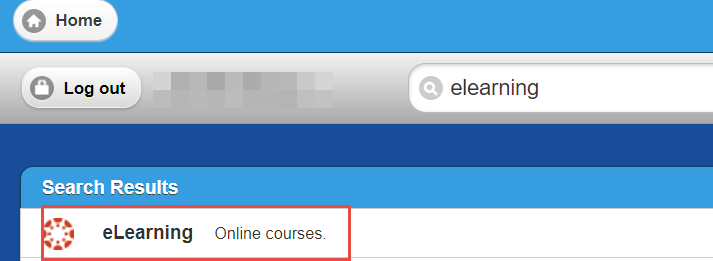
Return to myUWF and navigate to eLearning
Step 5
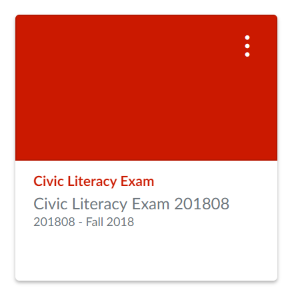
You will see all of your courses that have eLearning modules here, as well as the Civic Literacy Exam. Enter the module by clicking on the box.
Step 6
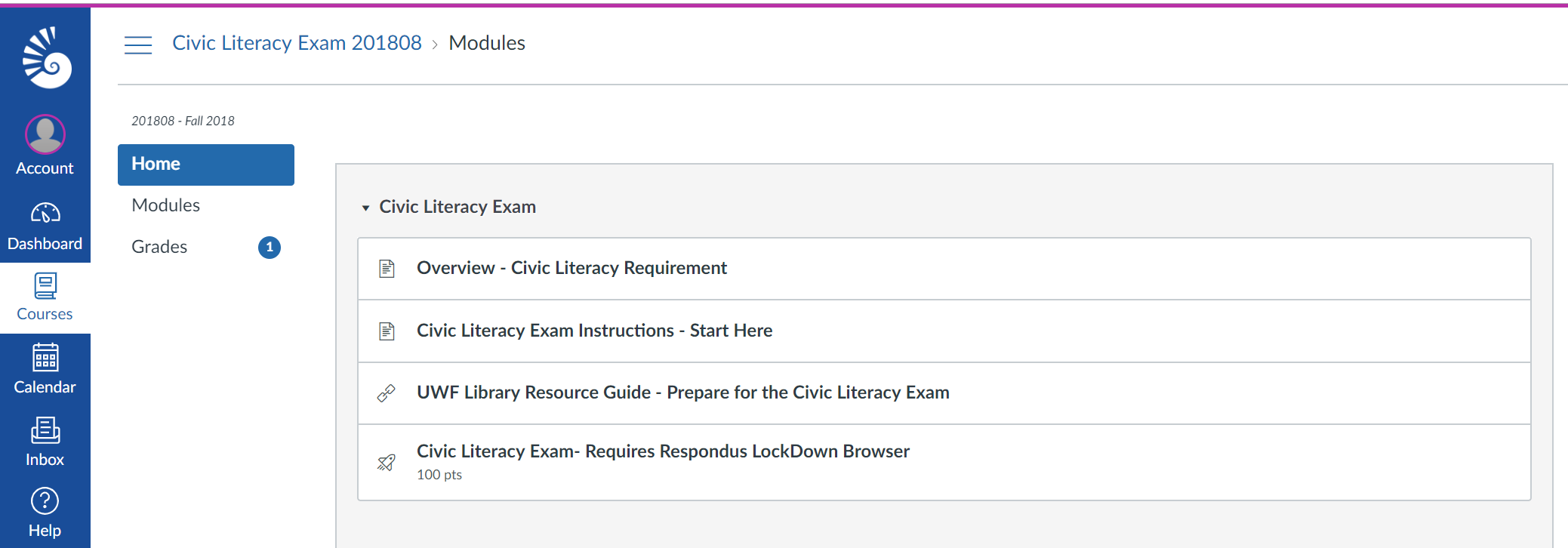
Here you will be able to review the overview, instructions, access the library resource guide, and access the exam. The exam requires Respondus Lockdown Browser to launch. You may access the exam on any computer that has Respondus Lockdown Browser installed. You are able to download this onto a personal computer or you may use any computer station in the UWF Library or you can check out a laptop from the UWF Library.
Step 7
Once the exam is completed your score will be saved. A score of 60 or better is required to satisfy this requirement. Your score will be uploaded to your academic record in the overnight data refresh. Your degree audit will reflect the requirement as satisfied after the passing score of 60 or better has been received.
FAQs
| Expand | ||
|---|---|---|
| ||
Enter answer here |